
Table of Contents
Not New, Just Forgetful? Watch this 40 second how to video
Pre-Instructions #
*** If you have not yet completed the Dashboard Course, please do that first.
Course Link: https://member.devxchange.org/course/dashboards-planning-module/
What Is A Planning Module? #
Your Annual Activity Plan, submitted from the Budget and Planning Form annually. You will report on the activities each quarter.
Where Is Your Planning Module? #
In Your Planning Module Project Dashboard you can select “Project Plan” or “Task Tracker” on the lefthand side bar in the workspace side menu.
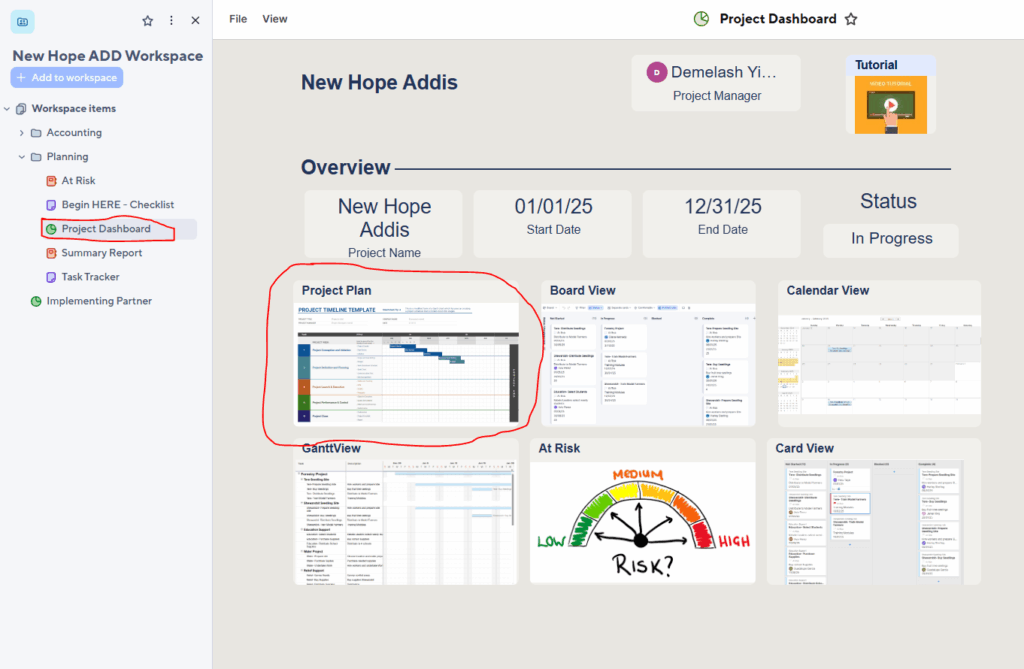
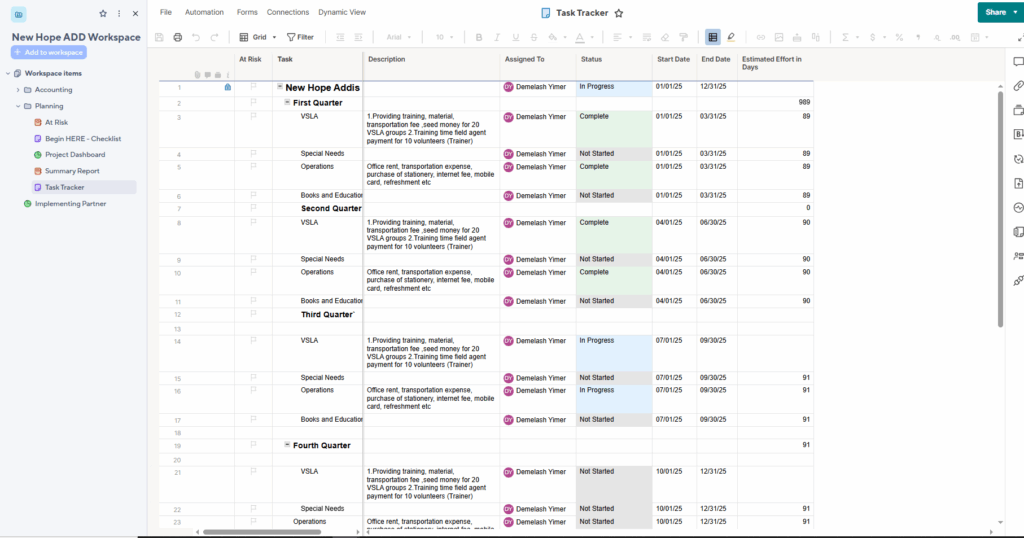
The Project Plan opens the Task Tracker Sheet
What Do You Need To Do? #
Step 1: Watch this 40 second how to video
Step 2: Report only for the Quarter just completed.
Step 3: Update the status if its already in progress or not started
and Enter a comment, detailing if the activity could be done and what was done.


